

A lot of people are afraid to use custom website designers because of the word “custom” and instantly think exorbitant prices. This isn’t necessarily true. However, there are some people that can get what they need by using the website designing tools that their shared hosting providers offer instead of using a custom web designer. It is important to realize that the tools you get from your web hosting provider are only good for basic websites. Most business owners require more complex tools that a only a web design firm can offer you. This is particularly true when you are looking for a 2nd or 3rd generation website! Custom website designs are a great way to make your business stand out from the competition. The tools shared web hosts offer should only be used in the beginning stages of a business.
Shared web hosting plans offer a number of free tools to help you design your own website. Several of these web hosting tools also give you the option to choose from more than one similar tools. These tools allow you to create, design, and manage every aspect of your website in an easy reliable way. In this article we will review several web hosting tools and discuss how they can help you design a basic website.
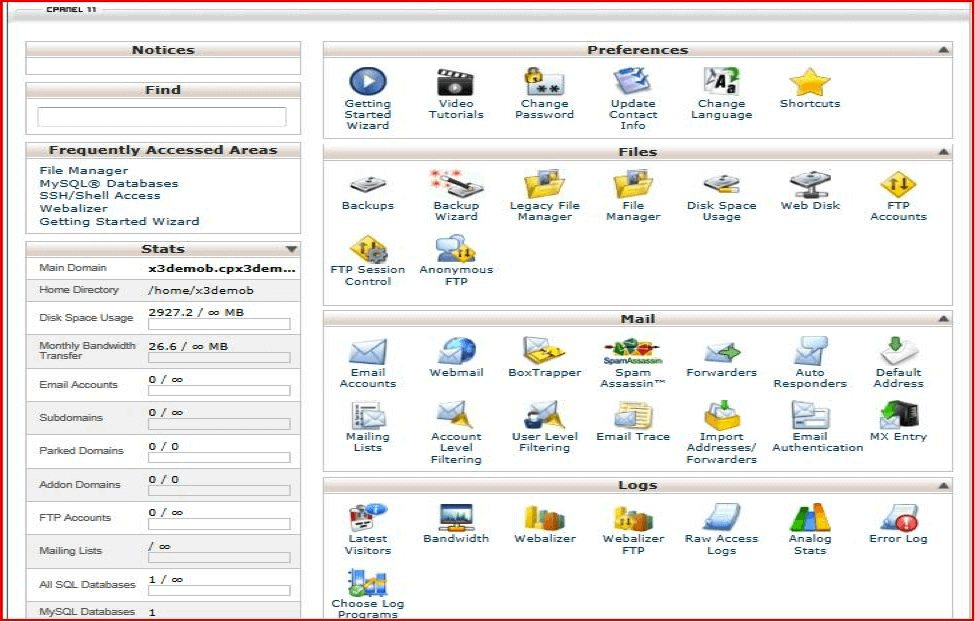 Control Panels – Some web hosting providers choose to create their own control panels while others offer open source control panels, such as the popular cPanel. Nearly all control panels will have left hand list type navigation, with icon based navigation on the right. From your control panel you may set up and manage your preferences, files, mail, logs, security, domains, databases, software, and much more.
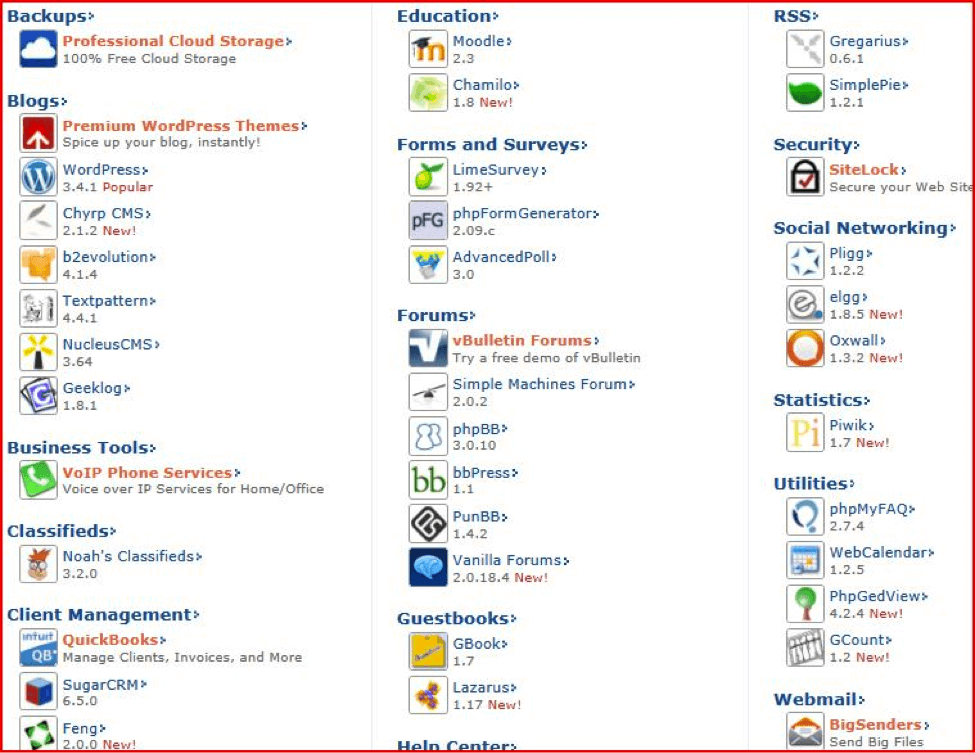 One-Click Installers – Shared hosting plans typically include one or two one-click installers which allow the user to quickly and easily install scripts that will add features to their website. Two of the most popular one-click installers include SimpleScripts and Fantastico, each of them offering more than 50+ scripts to choose from. With these installers you will be able to choose a CMS, eCommerce features, website builder, website templates, and more; you can also add a blog, forum, photo gallery, guestbook, and more. BlueHost is one of the companies that offers SimpleScripts and is a great web hosting provider. Using a BlueHost coupon can save you a ton of money without sacrificing anything.
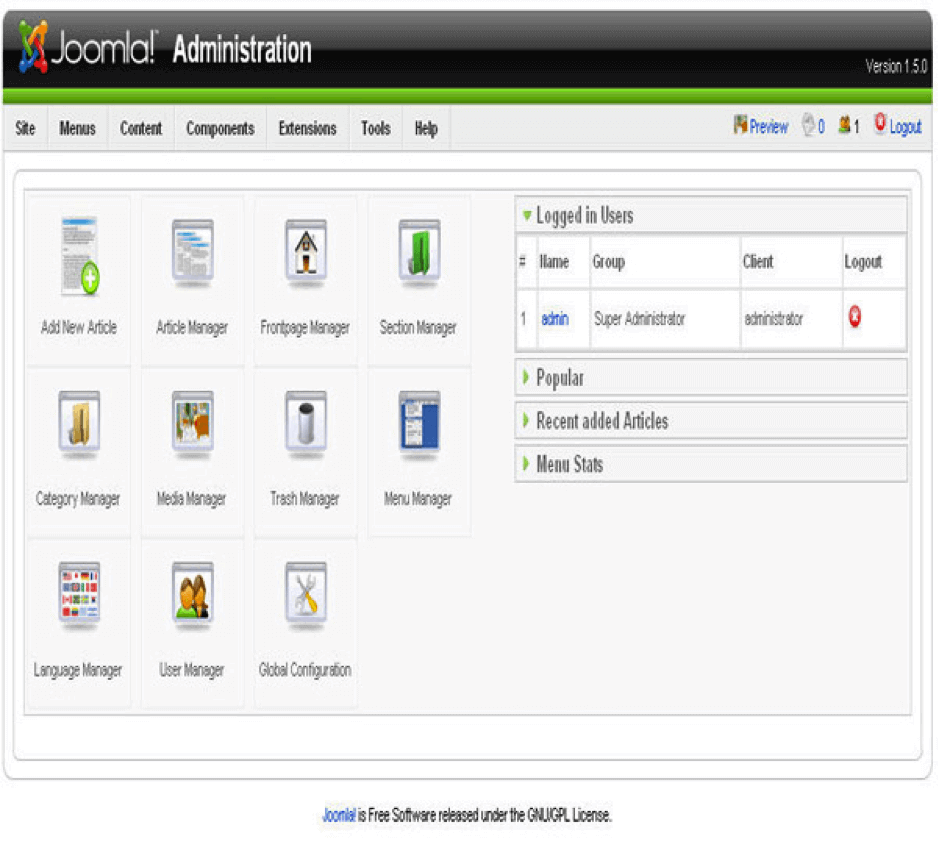 Content Management Systems (CMS) – The script installer typically includes several open source CMSs including (but not limited to) Joomla, Drupal, Mambo, Xoops, PHP-Nuke, and more. From the CMS it is easy to publish, edit, and modify content, as well as maintain your site—all from one central page.
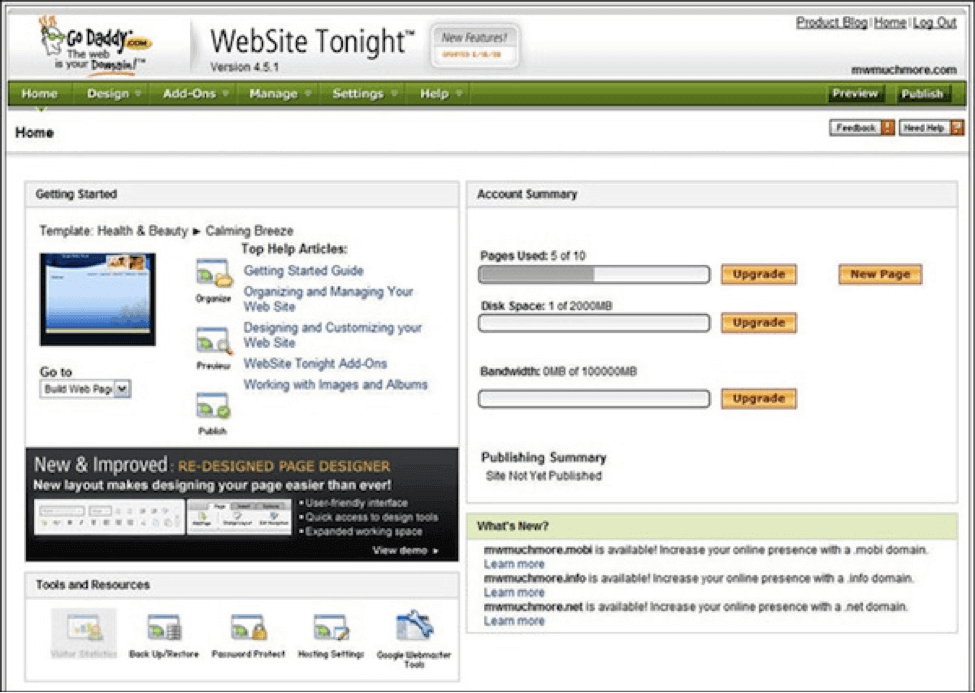 Website Builders – While some web hosts, such as GoDaddy, have created and even trademarked their own website builders; most shared web hosting providers offer open source website builders like liveSite, Soholaunch, BasicPages, or Concrete5.
eCommerce – Anytime you build a business website designed to sell products or services there are a number of tools you may need to help you carry out your transactions. Most importantly you will need a way to accept credit cards online. Shared hosts often offer iPayment as a solution for this. IPayment or other payment solutions can be found within your script installer. You will also find a number of online shopping cart options. Some of the most popular open source shopping carts includes Magento, CubeCart, Zen Cart, AgoraCart, TomatoCart and more. Because not all shopping carts are equal, and your shopping cart needs may be unique, it is suggested that you do some research before installing a shopping cart. It can be quite challenging to switch shopping carts if you choose a shopping cart that does not suit your needs.
Help Center – By installing some of the ‘Help Center’ software you can offer your visitors a customer support center to answer their questions, and help resolve problems. Help centers provide you with the ability to have an open ticket system or a live help center.
Client Management – For websites needing software to keep track of their clients, invoices, accounting, or invoicing. Common client management installations include QuickBooks, Front Accounting, Simple Invoices, and more.
Backups – Backing up your files, or even your entire website is a good idea regardless of how you do it. When choosing a backup program from your script installer your files will typically be backed up and stored using cloud storage, which means your information is not stored on a specific server, but instead on an Internet storage system (which is available from anywhere, anytime).
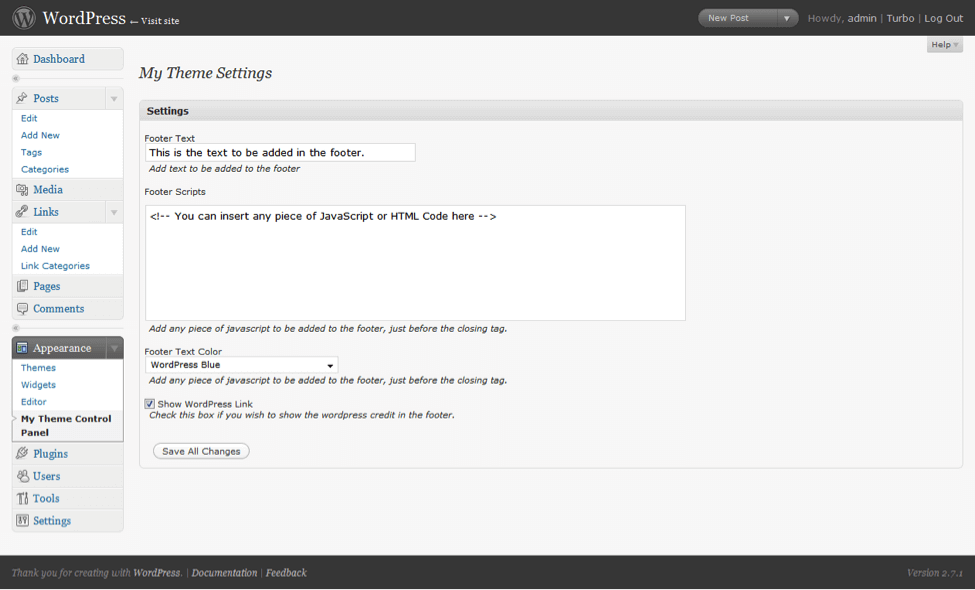 Blogs – Some people use a blog as their main website, while others attach a blog to their website. Blogs are a great way to continually create new content for your website, which will help get your website recognized by the search engines. Installing a blog from your script installer can be done in just a few quick easy steps. Most installers include blog software’s like b2evolution, Geeklog, WordPress, and more. Keep in mind, some of the blogging software may also be used as a CMS. If you don’t find the CMS you’re looking for under the ‘Content Management Systems’ list check to see if it may be listed under blogs instead.
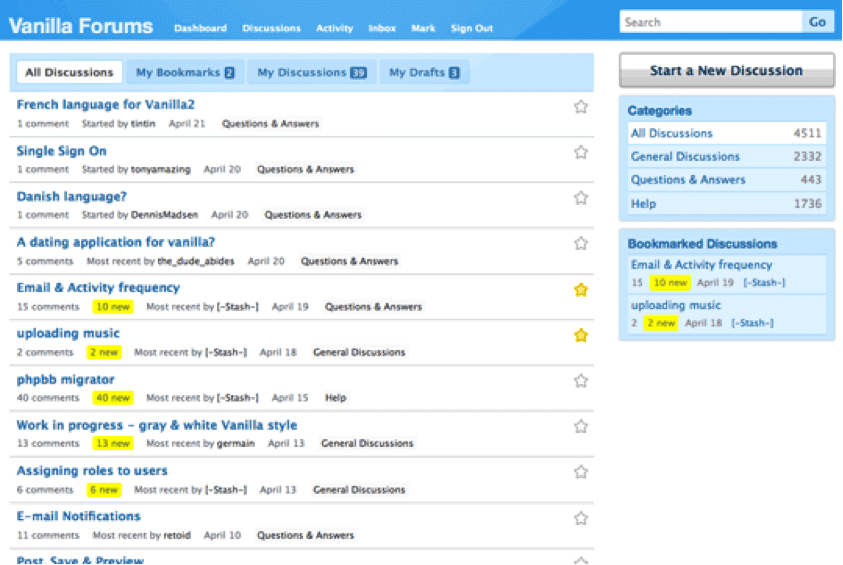 Forums, Forms, and Surveys, Guestbooks – If you are building a website where you want customer interaction you may want to use some of the forum, forms, or survey software. Some of the more popular software’s include LimeSurvey, GBooks, AdvancedPoll, vBulletin Forums, phpBB, and Vanilla Forums.
 RSS – If you plan to continually feed your website or blog with new updated information, or have visitors or customers that will want to know every time you update new information on your site then you should consider adding an RSS (Really Simple Syndication) to your site. An RSS feed can include full or summarized text as well as publishing dates and authorship. The fact that you have an RSS feed that people can join is usually indicated by the RSS logo (indicated above).
Security – While most shared web hosting providers include a shared SSL certificate in your hosting package, if you are going to have a website that accepts and shares information that needs to be encrypted (such as credit cards or legal documents) then you will want to purchase your own SSL certificate either through a SSL provider or your web host. Within most script installers you may also be able to download additional security with programs like SiteLock. It’s important to remember, however, that SiteLock is not a substitute for SSL security.
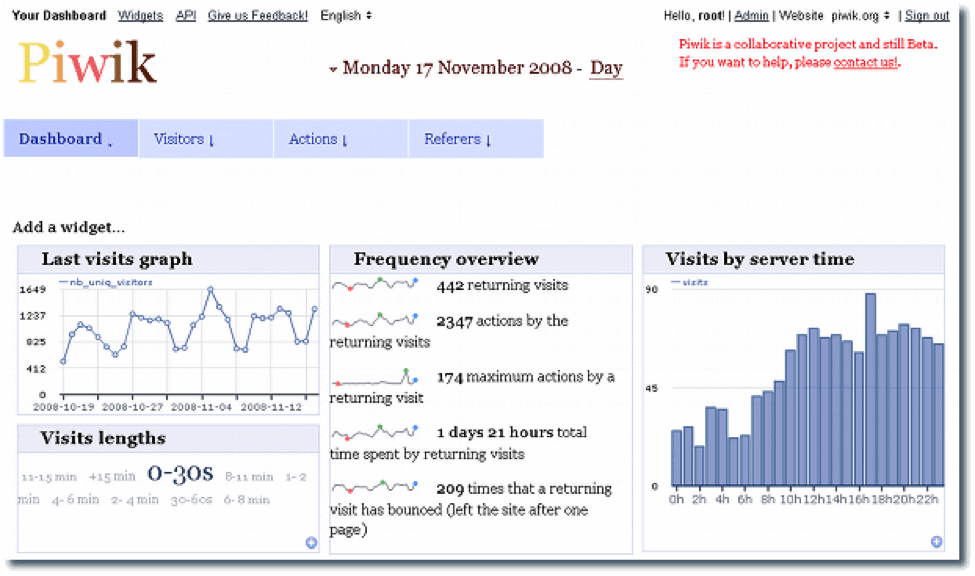 Statistics – Most web hosting control panels have a number of solutions in place to help you track statistics. Your installer may also have software such as Piwik to assist with your website statistics.
Utilities – Adding WebCalendars, visitor counters, or a FAQ section to your website can be done through any of the ‘Utilities’ software such as phpMyFAQ, WebCalendar, or GCount.
Webmail and Mailing Lists – Webmail is web-based email as opposed to an email program you download directly onto one computer. Webmail allows you to check your mail from any location any time. While there are a number of free Webmail services available through providers such as Gmail, Hotmail, AOL Mail, etc…Web hosts also include free webmail programs through your script installer (ex. BigSenders or Roundcube).
Photo Galleries – Pictures speak louder than words. Effective use of photos can lead to more conversions in your online store. Images are also beneficial to draw in and keep your audience’s attention. When images are optimized they may also benefit your search engine optimization. Shared web hosting plans often include photo galleries such as Coppermine, Zenphoto, Pixelpost, and more.
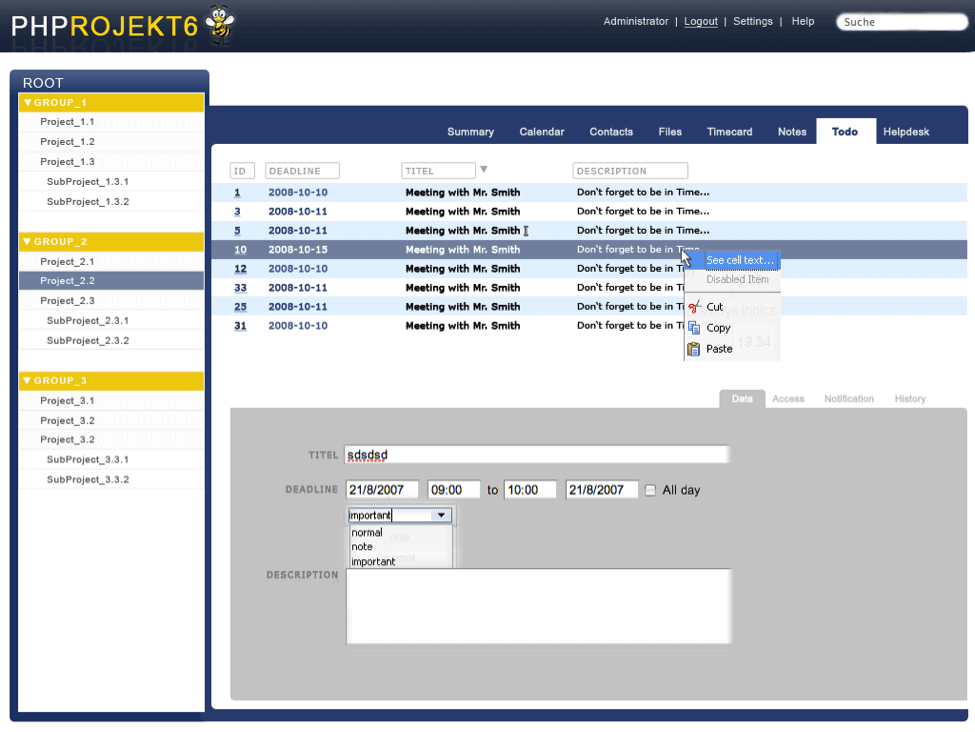 Project Management – Planning, running, and managing projects is incredibly easier when using project management software. Script installation programs usually include 2 or 3 project management programs to choose from such as BaseCamp, Mantis, or PHProjekt.
Wiki – If you would like a website where your users can add or edit content you may want to add a ‘wiki’, some of the more popular Wiki’s included in web hosting packages include Mediawiki, Wikkawiki, Dokuwiki, and others.
Features and tools offered by shared web hosting providers may vary from one to another. Before signing up for a web hosting package make sure your web hosting provider has the tools you are looking for, then make the best use of all the features and tools your host has to offer. And remember, when it is time to turn your basic website into a custom, lead-generating website, make sure you contact Bop Design!